OIC Gen3 Adapters
Why Adapters Are the Right Starting Point
Adapters are the first place to start because the first thing we do before building any integration is to check the capabilities of the Adapters. I remember in one of the projects, developers discovered that SOAP WSDL 1.2 binding is not supported in OIC but only after they had already exposed the APIs of another system in SOAP WSDL 1.2 binding.
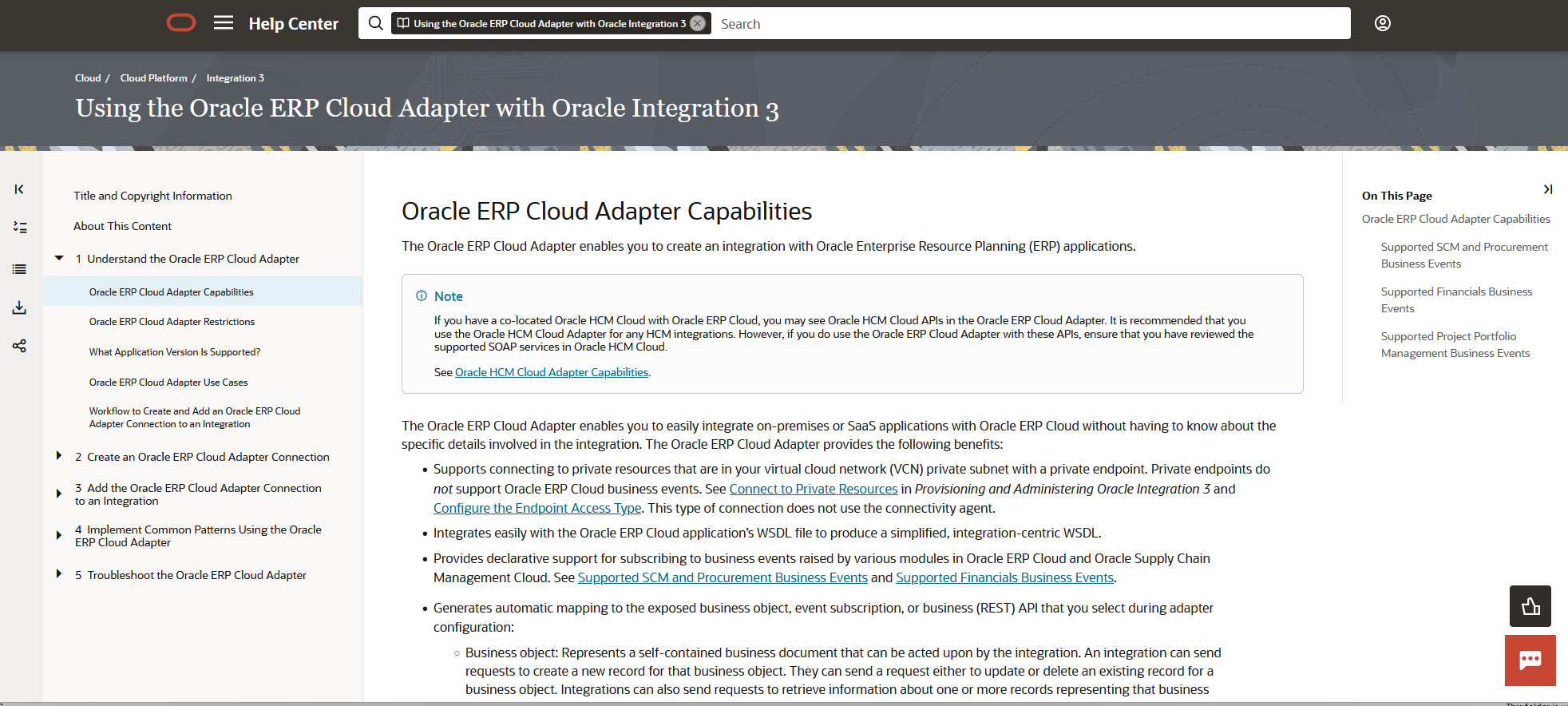
On the other hand, OIC also surprises you with powerful capabilities that other middleware platforms do not offer. For example, the Oracle ERP Cloud adapter allows OIC to subscribe to Business Events, which makes near-real-time integration with Oracle ERP Cloud possible. OIC also supports Callback for File Based Uploads in Oracle ERP Cloud to make sure OIC resources are free and the integration gets triggered only when the Import is completed.
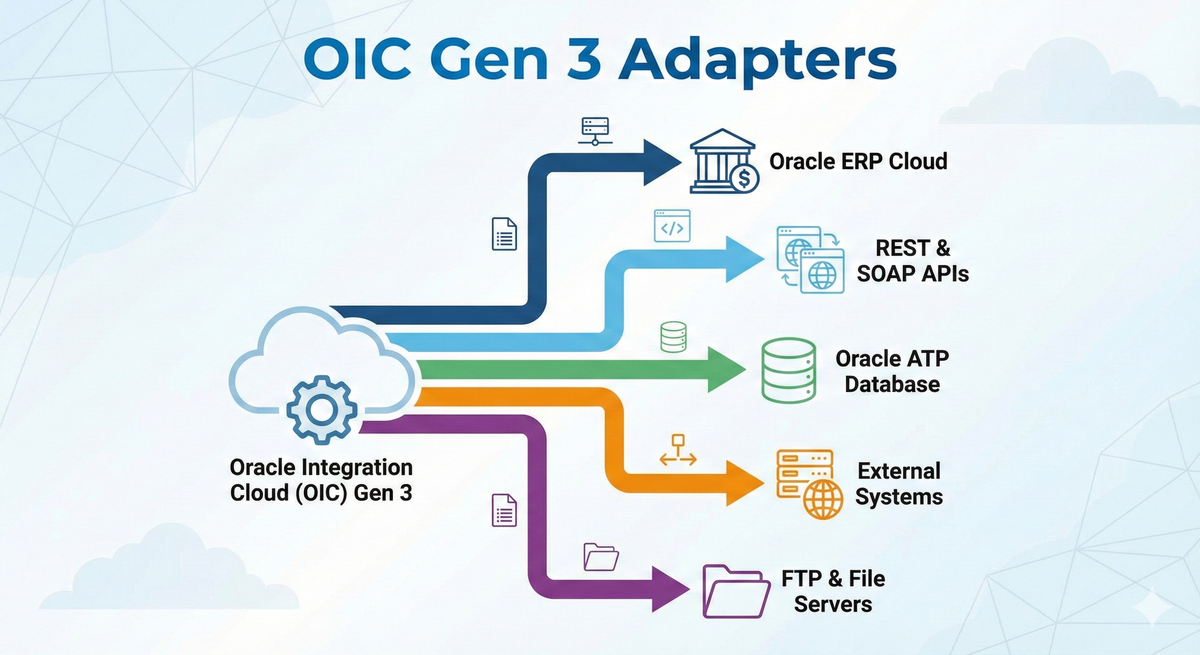
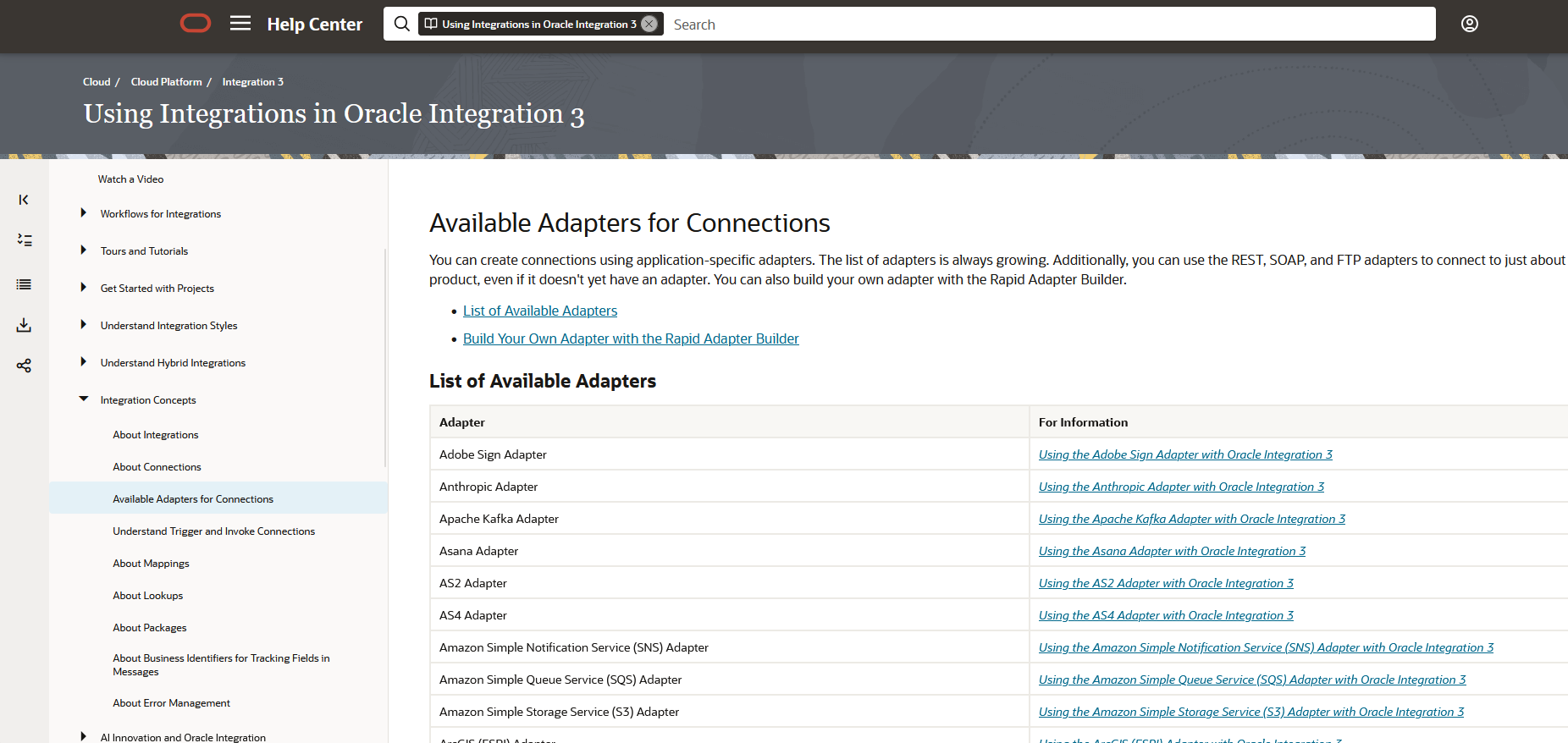
There are around 118 adapters in OIC Gen3. You can check the "Available Adapters for Connections" page in the Oracle Integration 3 documentation for the complete list. Each adapter has a section called "Capabilities" which you can review before even starting your development. If you do not see an adapter for your target system in the list, you can use the REST or SOAP adapter to connect using that system's REST/SOAP APIs.
We cannot cover all the adapters in this blog but we can cover the most commonly used adapters:
- Oracle ERP Cloud
- Oracle ATP Database
- REST
- SOAP
- FTP
Oracle ERP Cloud Adapter
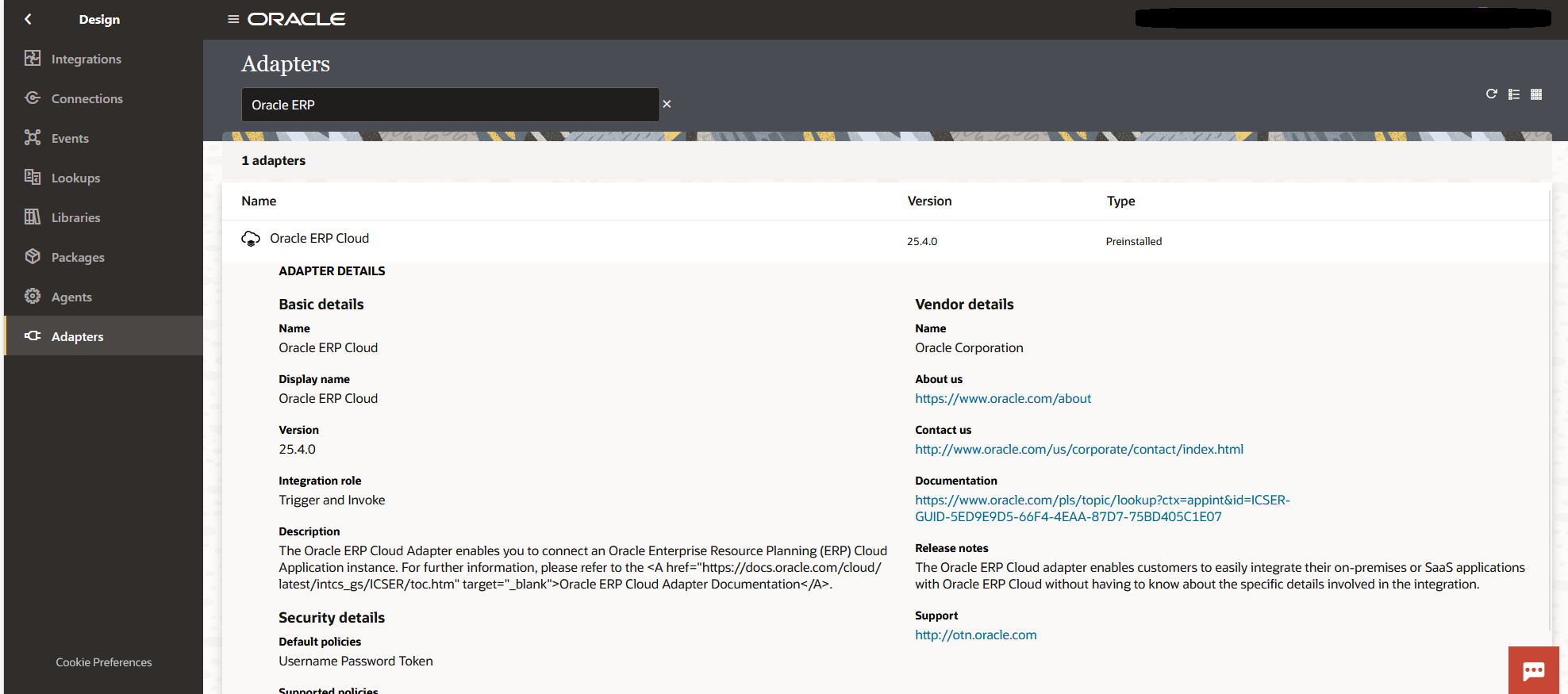
The Oracle ERP Cloud Adapter is purpose built for connecting OIC to Oracle ERP Cloud services. This single adapter allows you to call both REST and SOAP APIs of Oracle ERP Cloud. This saves your maintenance of changing/updating the credentials for Multiple Connections (One for REST and a couple for SOAP as SOAP WSDL URLs are unique to each functionality). In addition, you can subscribe to a Business Event (a Business Event is triggered as soon as any transaction in Oracle ERP Cloud is created or updated) to make your integration near real time.
You can also use the Callback feature of this adapter, which works similarly to a Business Event. It comes in handy when you are loading a big file to Oracle ERP Cloud. You can just submit the import of that file and end the integration. The import program will run in Oracle ERP Cloud while OIC resources stay free. Once the import is complete, it will automatically trigger the OIC integration that is configured as a Callback.
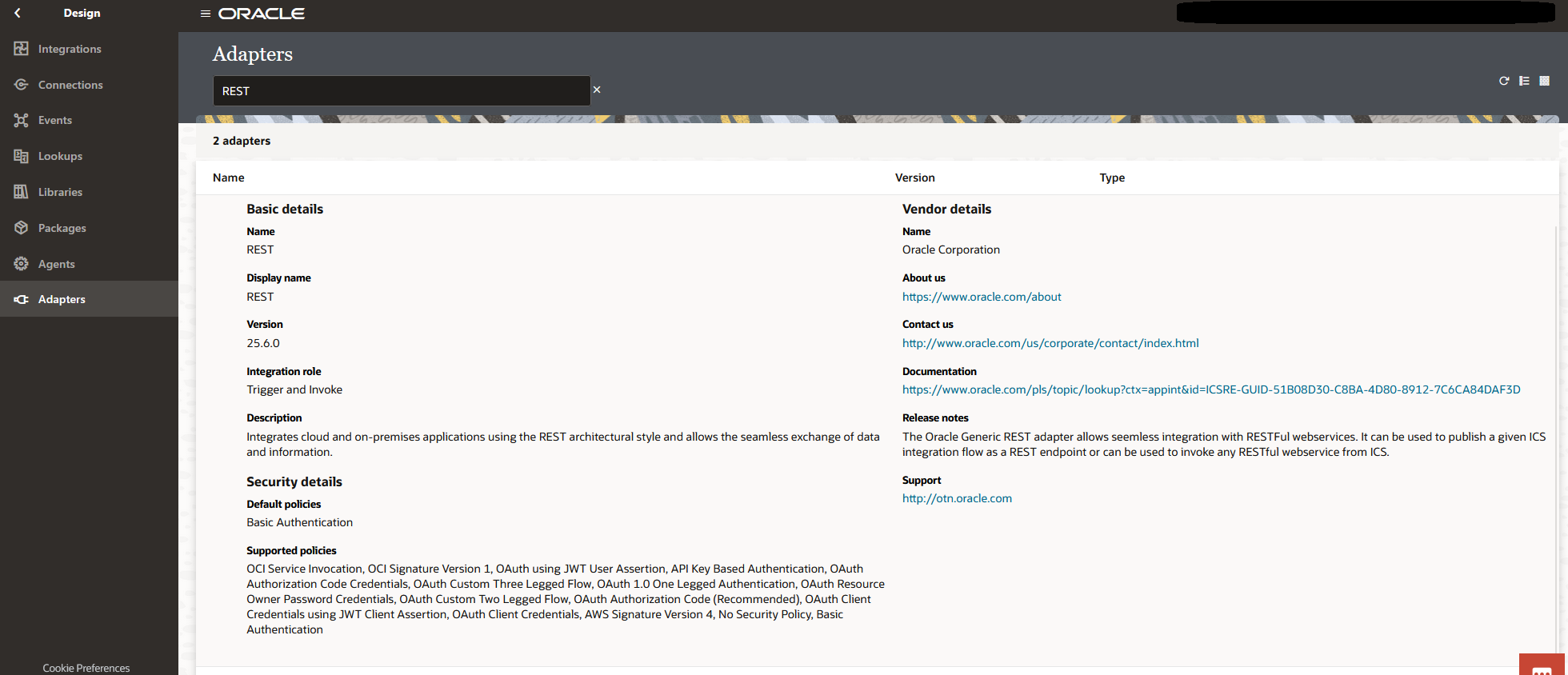
REST Adapter: When REST Is the Best Fit
You can use this adapter for two distinct purposes:
- Exposing an OIC Integration as a REST Service
- Consuming External REST Services
This adapter also gives you the option to easily configure the request and response fields for mapping. You just have to enter your sample JSON or XML (JSON is most commonly used) and it will automatically create the fields for you to map. It also provides some additional connection properties which help in sending the API URL as is or as encoded.
Even though OIC allows exposing the integration as REST, we usually use another Oracle product called "API Gateway" for routing any external systems to invoke the integrations in OIC. We can expose only REST based integrations in API Gateway but not SOAP.
SOAP Adapter: When SOAP Is Still Necessary
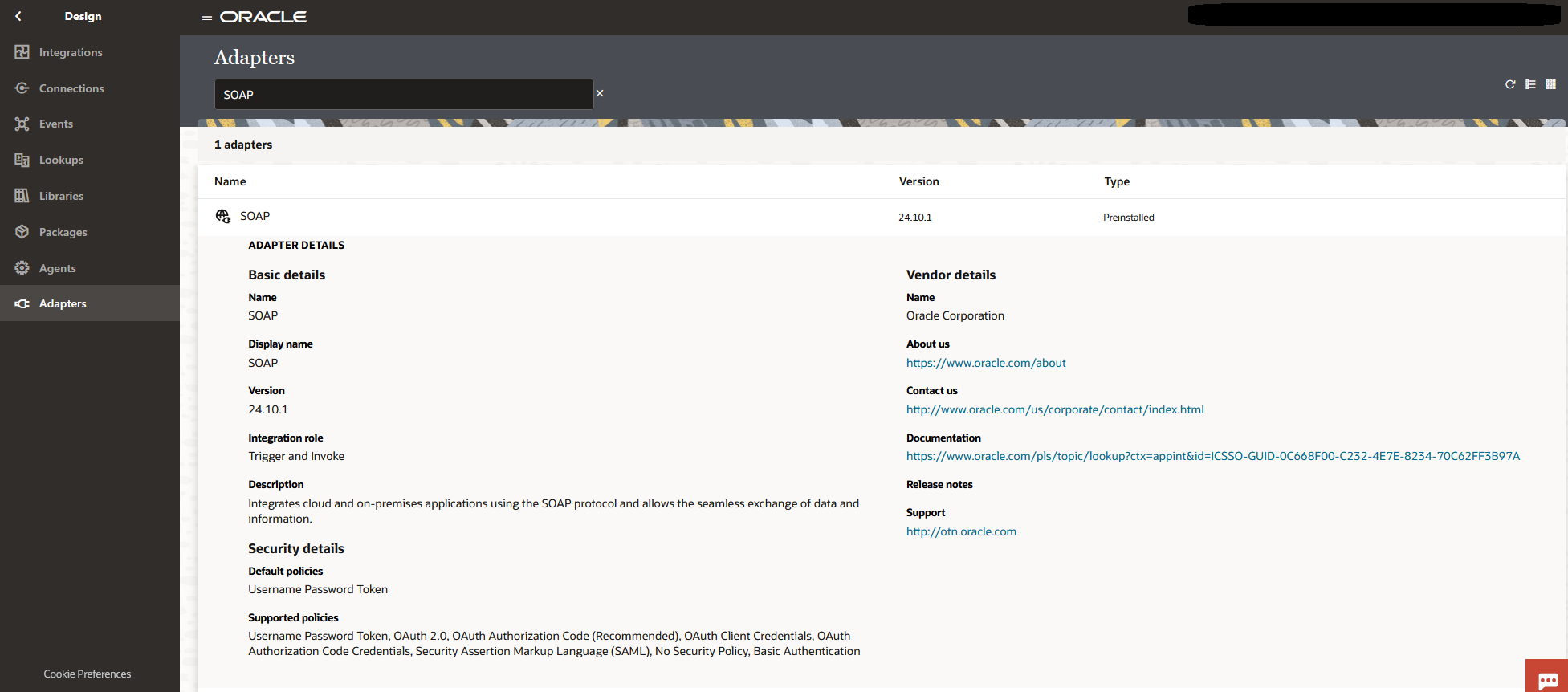
Oracle has mentioned in a couple of their calls that SOAP APIs may be discontinued in the future. However, they are still present right now in Oracle as well as other enterprise applications. The SOAP adapter also has the same two distinct purposes as the REST adapter. The difference is that for SOAP, you have a WSDL URL or a WSDL file, which is a contract that defines the request and response structure. Also, the WSDL is unique to each functionality and hence you will have to create many SOAP connections using the SOAP adapter, which later becomes a maintenance headache.
One very important point, which I have also mentioned before, is that SOAP WSDL 1.2 binding is not supported in OIC.
Oracle ATP Database
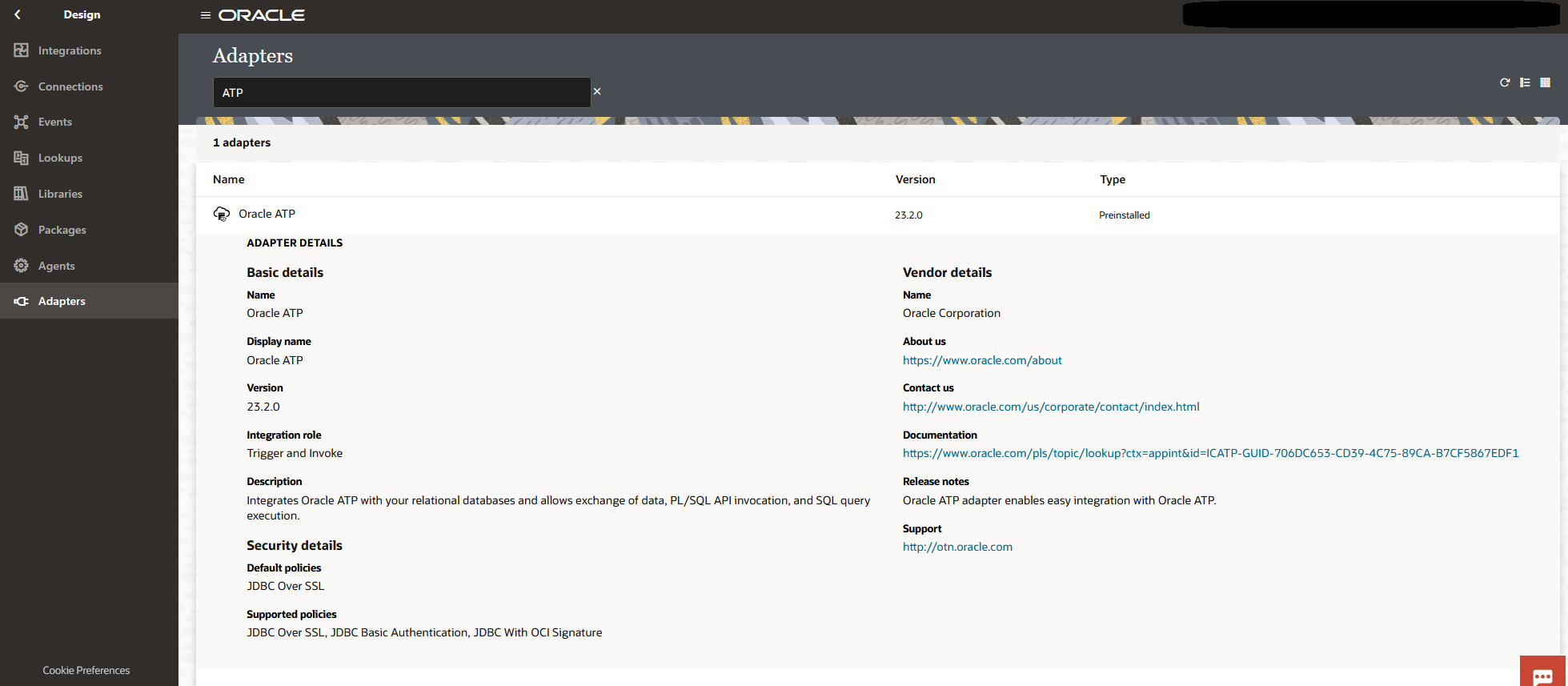
ATP here stands for Autonomous Transaction Processing. It is a database we have to spin up in OCI. We can spin up an "Always Free" version of 20 GB to play around with. We cannot create tables or insert or update records in Oracle ERP Cloud since it is a SaaS application. If we need to create tables, insert or update records, write some complex logic, and store data in a structured way so that we can easily write SQL queries and get the output, then we use Oracle databases as a PaaS product. ATP is one of the Oracle PaaS databases.
For example, I recommend storing all the errors in the database so that you have a single place to look for errors as opposed to going through several emails. You can also use ATP to stage the data, perform transformations and validations in ATP before loading the data to the target system.
What makes the ATP adapter unique from other database adapters is a couple of things. Oracle provides bulk upload of data from OCI Object Storage to ATP, and in my testing, around 10k records were inserted in 2 to 3 seconds. The ATP adapter also offers polling for any new or changed records. However, the ATP adapter does have a limitation that any call cannot run for more than four minutes. If your SQL query or stored procedure takes more than four minutes, OIC will throw a timeout error. So always divide your logic into smaller chunks to make sure it does not time out.
One more advantage of using ATP in general is that APEX comes with it, so you can build dashboards on a table in a few seconds or minutes.
FTP Adapter: Where File Based Integration Fits
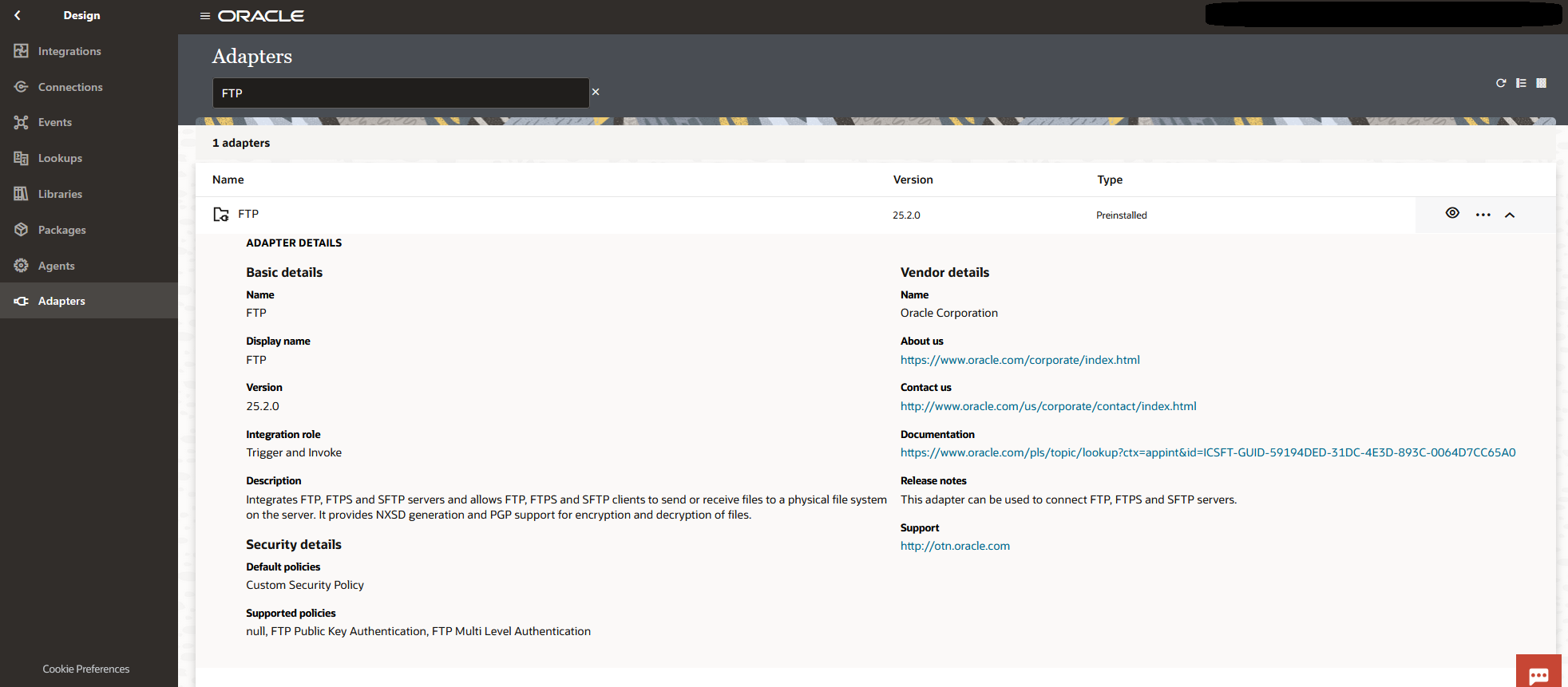
For high volume data, we go for file based integrations. We have many use-cases where a particular system will place the file on the SFTP server and we can schedule an OIC integration to pick the file using an FTP connection. The FTP adapter, which is required to create this connection, helps in simplifying file operations on SFTP Server.
This adapter has certain size limitations, so the best way to design any file based OIC integration is to first list all the files from SFTP using FTP Connection, then use the FTP connection download operation which supports downloading the file up to 1 GB, and then perform read, unzip, etc. in the OIC file staging area. The FTP adapter also provides a function to perform PGP encryption and decryption of the file, which I always recommend.
Closing Thoughts
In this blog, I covered the adapters overview, the most commonly used adapters, and for each adapter I explained and emphasized checking the adapter's capabilities and limitations before starting to create a connection/integration. Oracle does add new adapters and improve the existing capabilities from time to time. Hence, it is always better to check Oracle's documentation before we start.
References
- Oracle Integration 3, Available Adapters for Connections, List of Available Adapters: https://docs.oracle.com/en/cloud/paas/application-integration/integrations-user/connection-creation.html
- Oracle ERP Cloud Adapter: https://docs.oracle.com/en/cloud/paas/application-integration/erp-adapter/understand-oracle-erp-cloud-adapter.html
- FTP Adapter: https://docs.oracle.com/en/cloud/paas/application-integration/ftp-adapter/understand-ftp-adapter.html
- SOAP Adapter: https://docs.oracle.com/en/cloud/paas/application-integration/soap-adapter/understand-soap-adapter.html
- REST Adapter: https://docs.oracle.com/en/cloud/paas/application-integration/rest-adapter/understand-rest-adapter.html
- ATP Adapter: https://docs.oracle.com/en/cloud/paas/application-integration/atp-adapter/understand-oracle-autonomous-transaction-processing-adapter.html